About Cozy Tiles – Relaxing Picture Puzzle
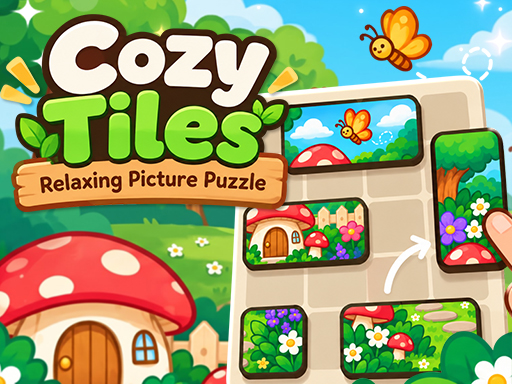
Relax with Cozy Tiles, a free picture puzzle. Drag tiles into place to complete 100 charming pictures across 10 chapters. Play in your browser, no download.
How to play
1. Drag a tile to move it. It snaps to the grid where you let go. 2. Place tiles next to each other the way they fit in the picture — correct neighbours join into one piece that moves together. 3. Join every tile into the complete picture to finish the level. Touch Drag a tile, release to drop it. Mouse Click and drag a tile, release to drop it.
Controls
- Mouse
- Touch
- Drag
Good to know
- Category
- Puzzle
- On phones
- Computer recommended
- Price
- Free, no download
- Added
- 2026-10-26
Questions
Is Cozy Tiles – Relaxing Picture Puzzle free?
Yes. Cozy Tiles – Relaxing Picture Puzzle is free to play on Joyo, with no download and no account.
Can I play Cozy Tiles – Relaxing Picture Puzzle on my phone?
It is made for computers with a keyboard and mouse. It may not work well on phones.
What kind of game is Cozy Tiles – Relaxing Picture Puzzle?
It is a puzzle game. If you like it, try the other puzzle games below.
Does Cozy Tiles – Relaxing Picture Puzzle save my progress?
Many games save your progress in your browser. If you clear your browser data or change device, the progress is lost.